 Folin Player
Video, music and
layouts you can customize
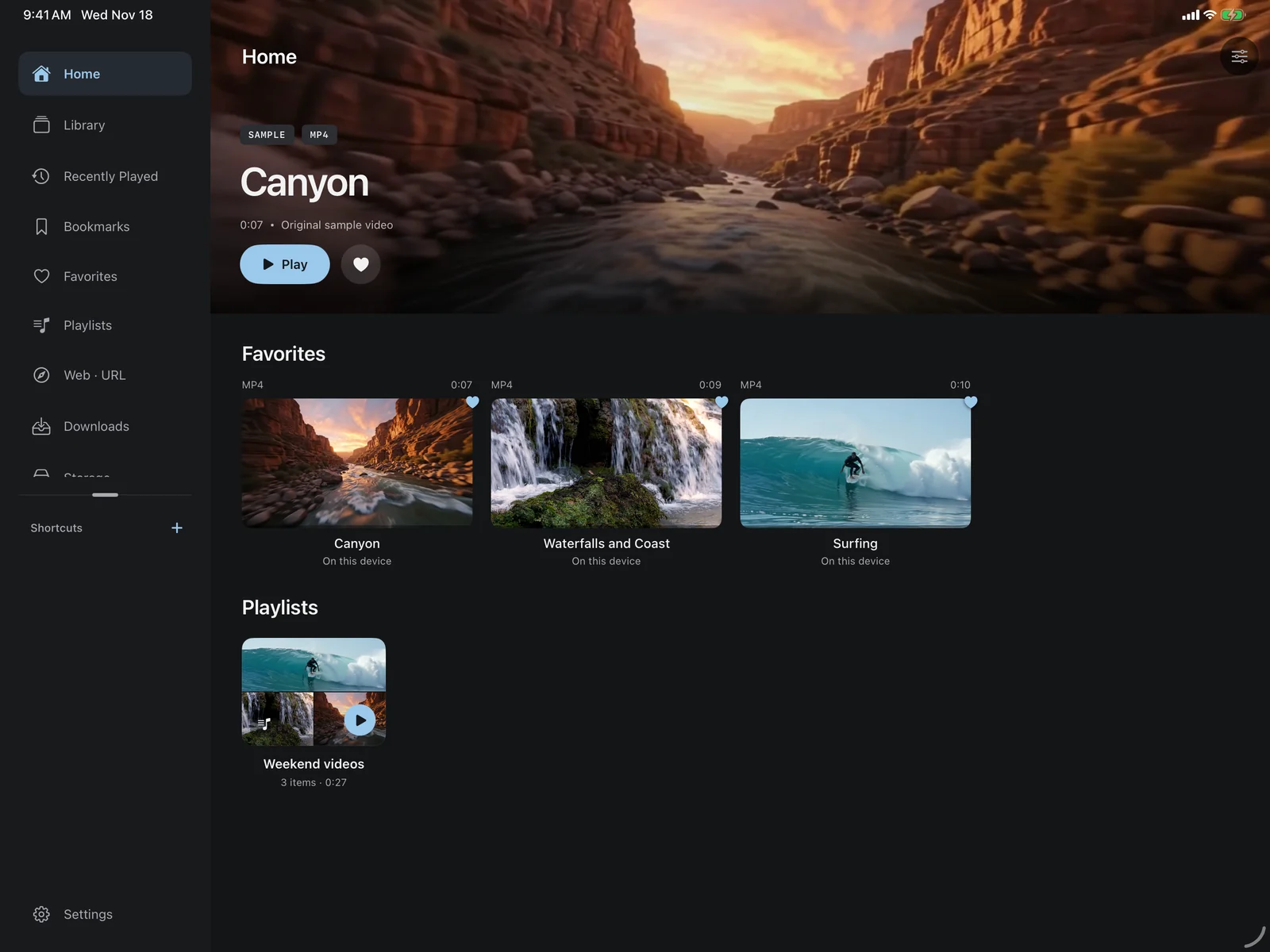
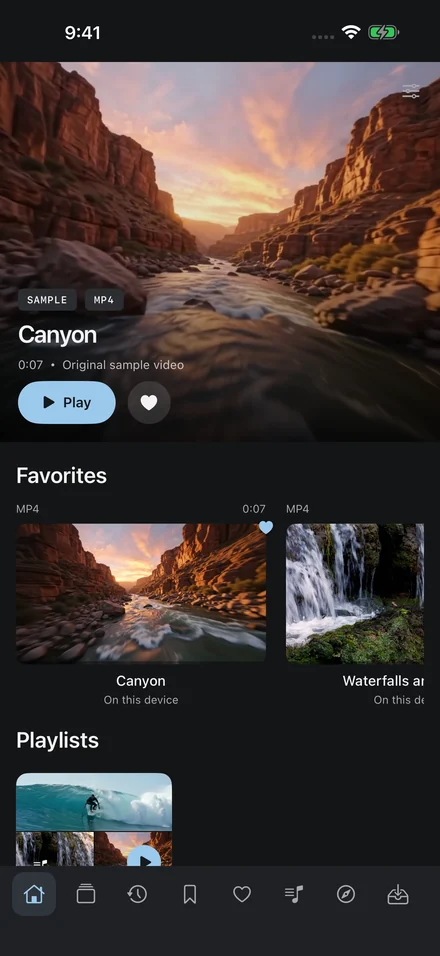
Organize your media and return to the scenes you need. Adjust your home screen and library with the sizes, spacing and information you prefer.
iPhone · iPad | Free · In-App Purchases
VIDEO PLAYBACK
Playback and seeking,
in one view
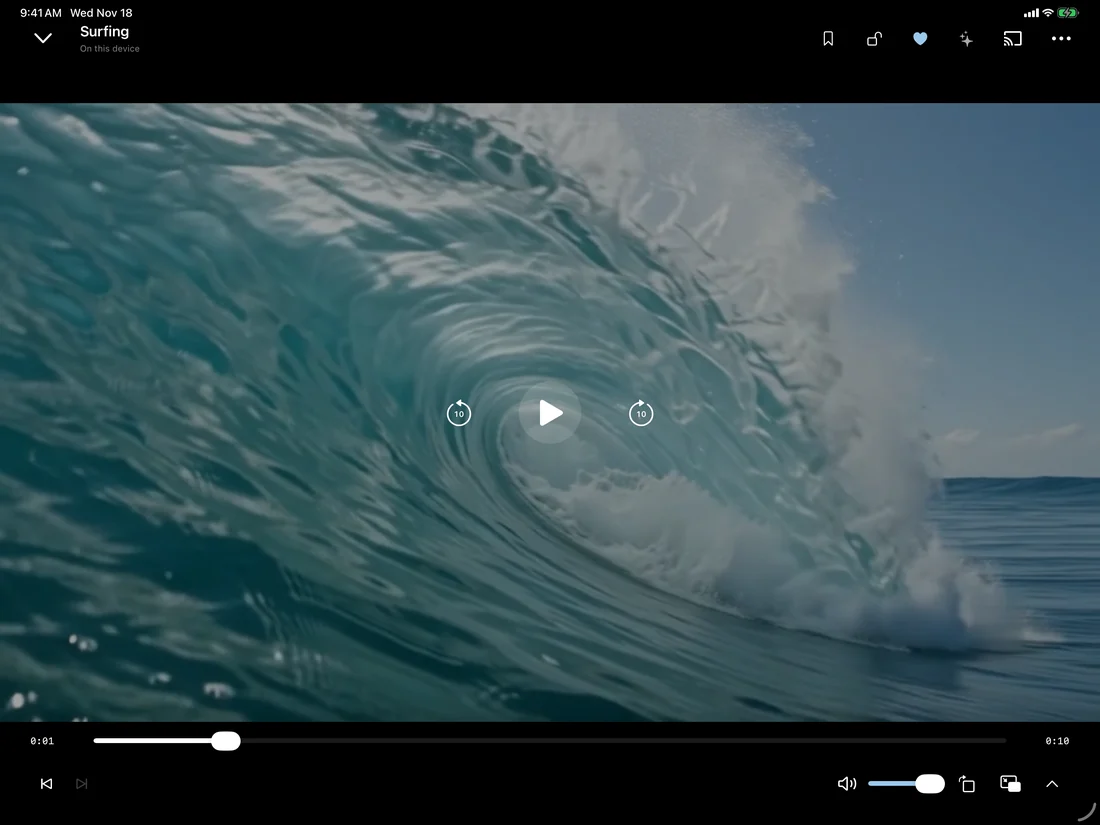
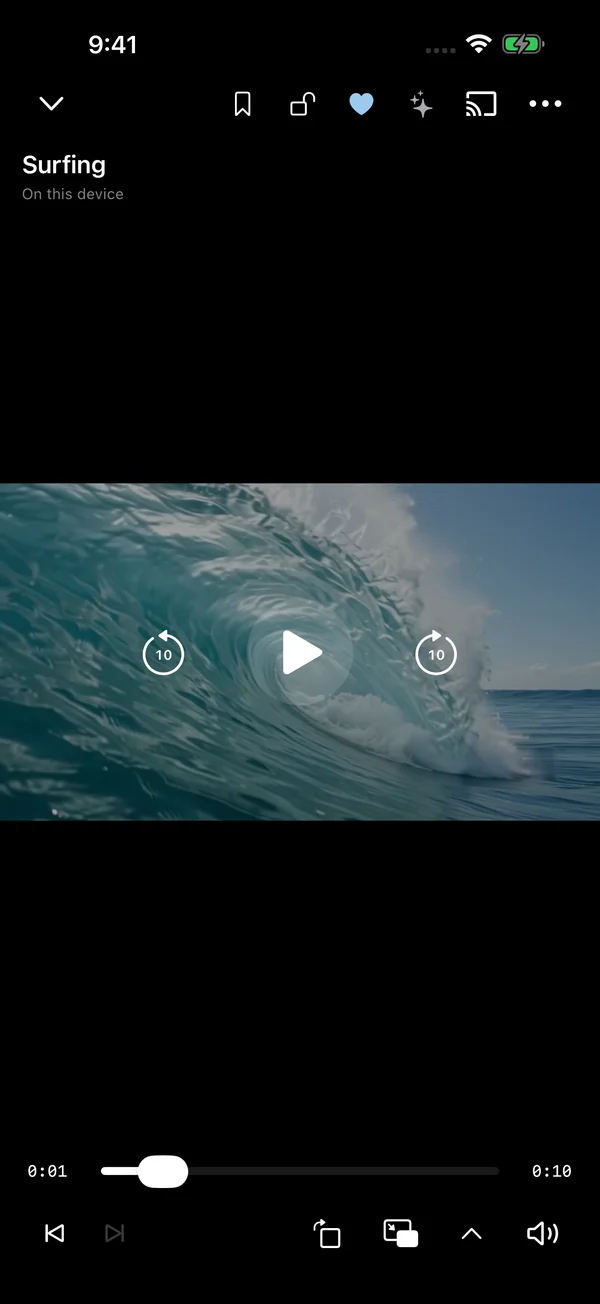
Seek through your video and switch between files in portrait or landscape.
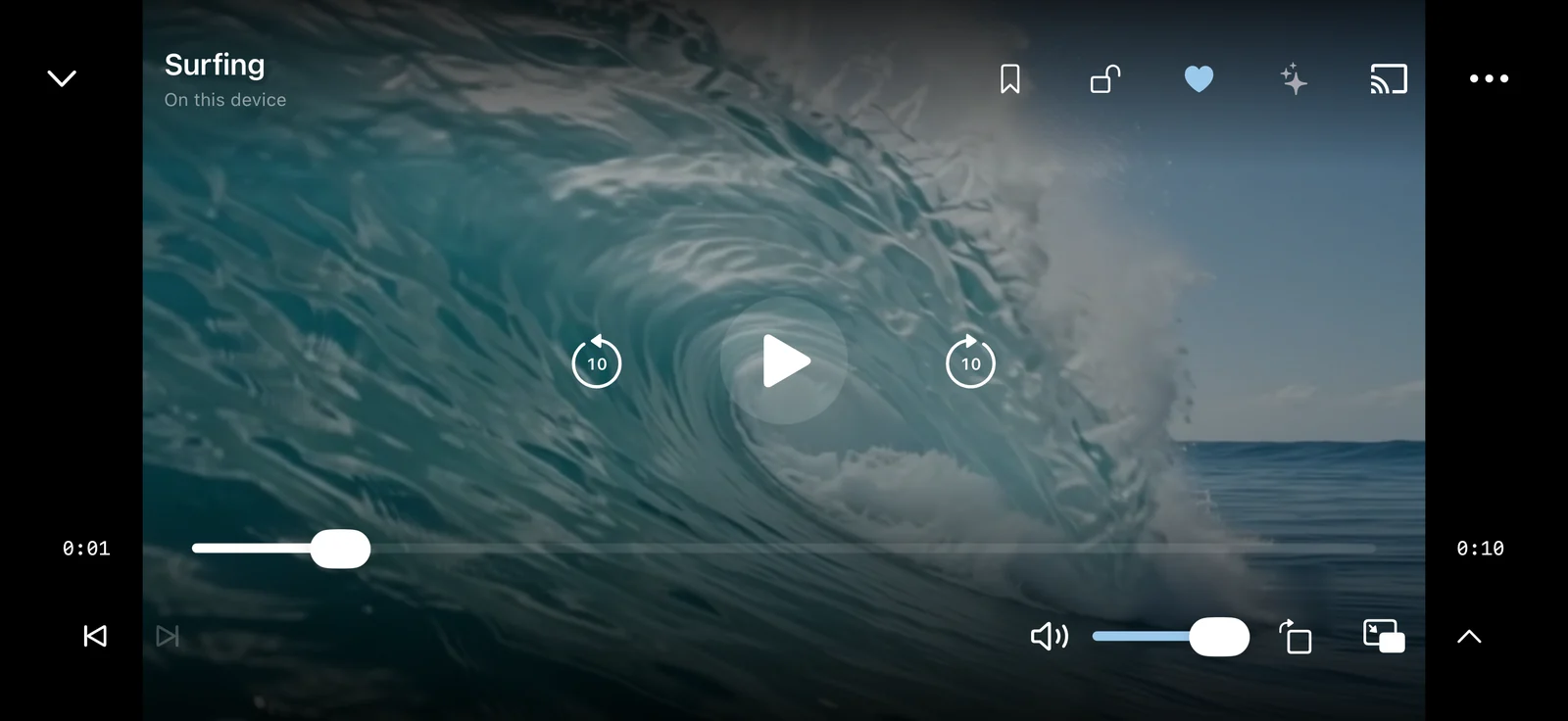
Speed and A–B repeat
Adjust playback speed or select a section to watch on repeat.
Move your subtitles
Choose a subtitle track and drag the subtitles to a comfortable position.
Picture in Picture
Keep supported videos playing in a small window while using another app.
VIEW SETTINGS
Choose your icon size
and information layout
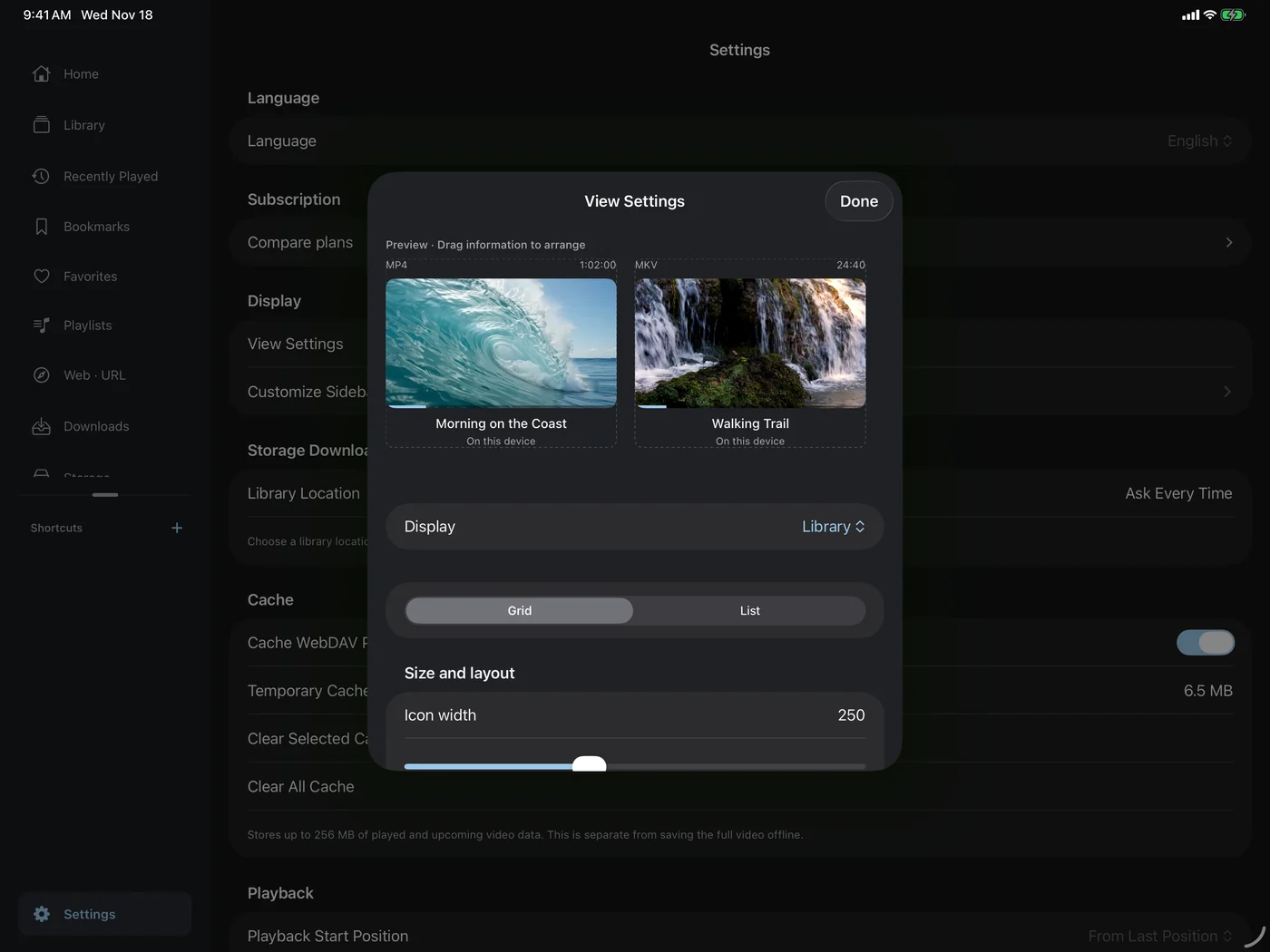
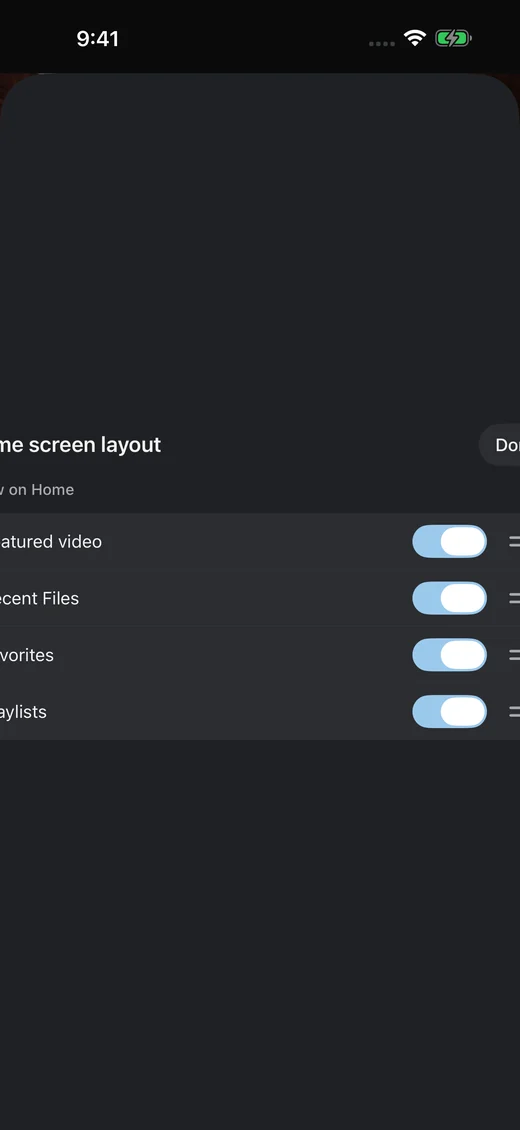
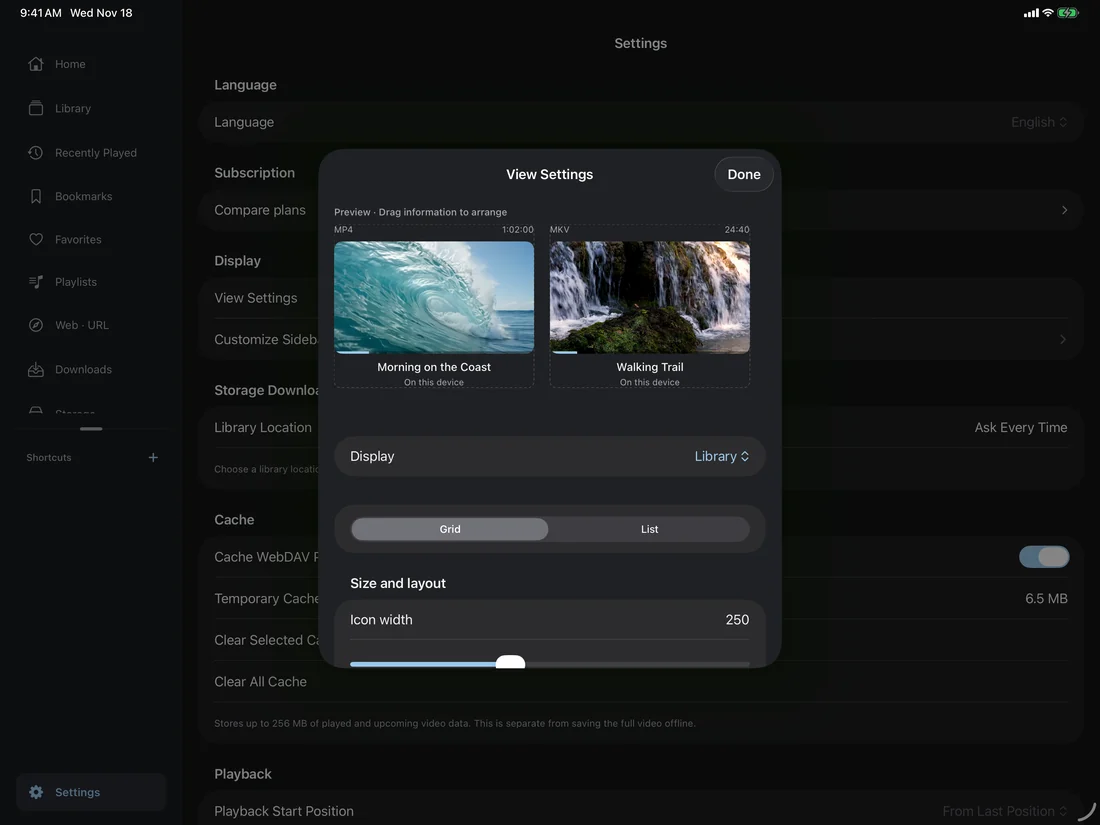
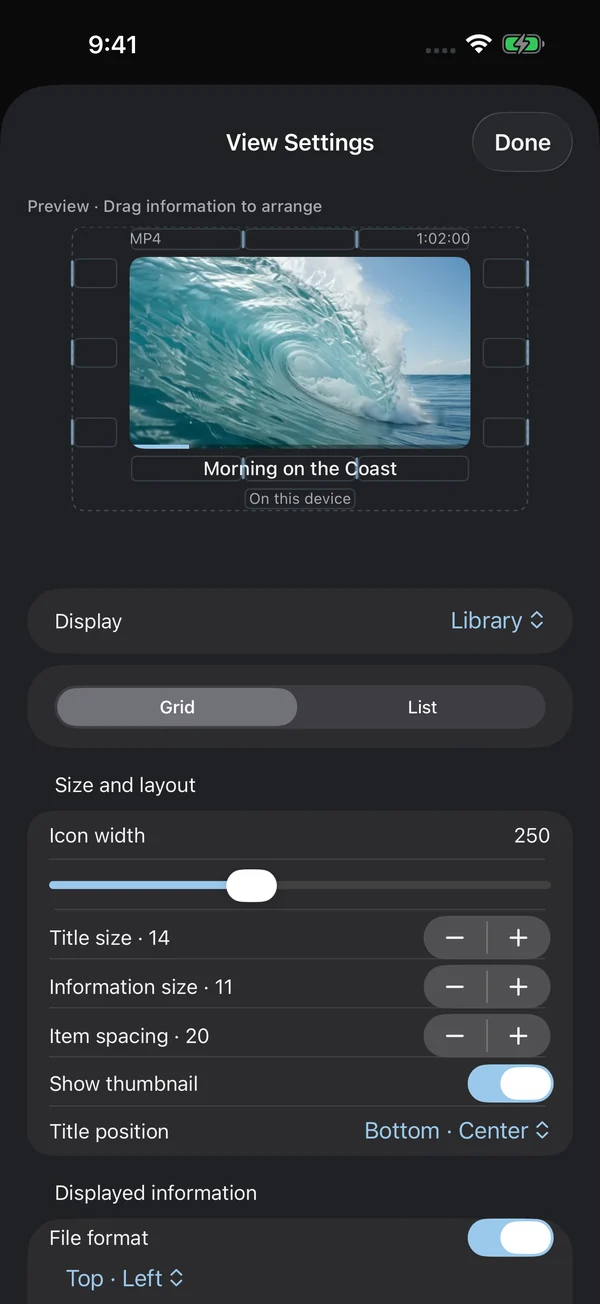
Adjust icon and list sizes, spacing and text. Choose details such as titles and duration, then drag them into position in the preview.
- Switch between grid and list views
- Place details above, below or beside thumbnails
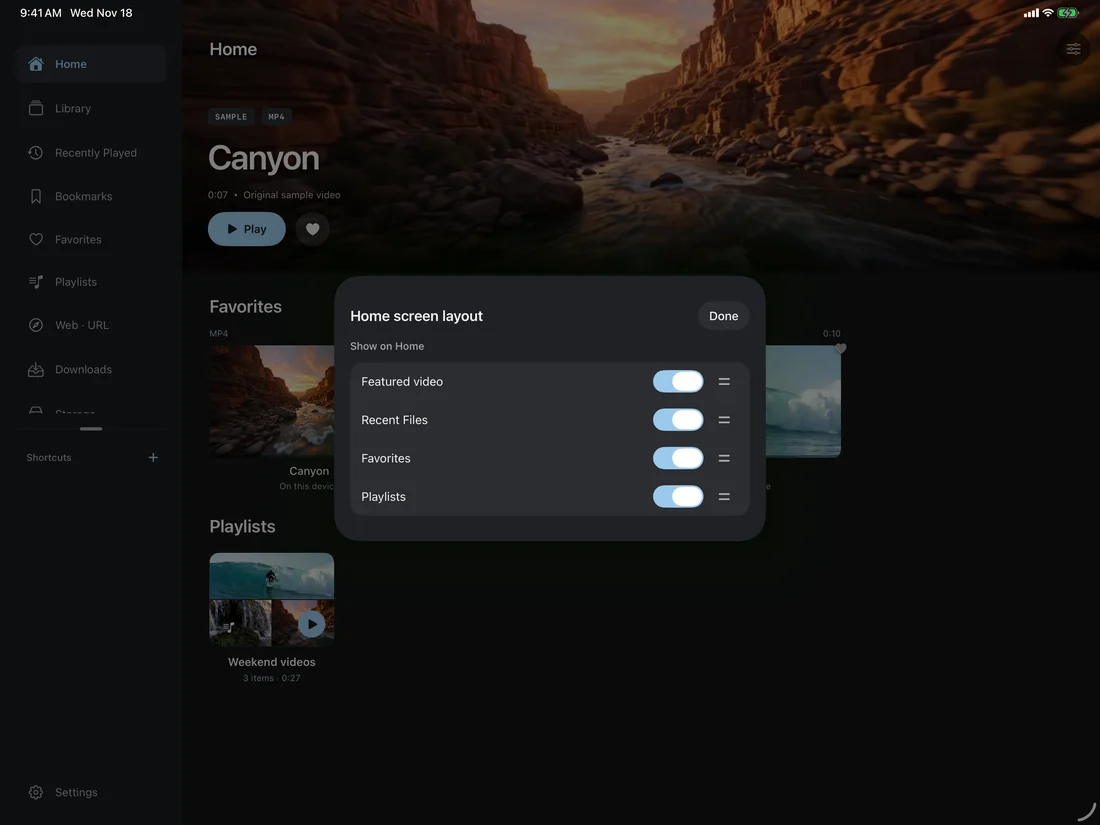
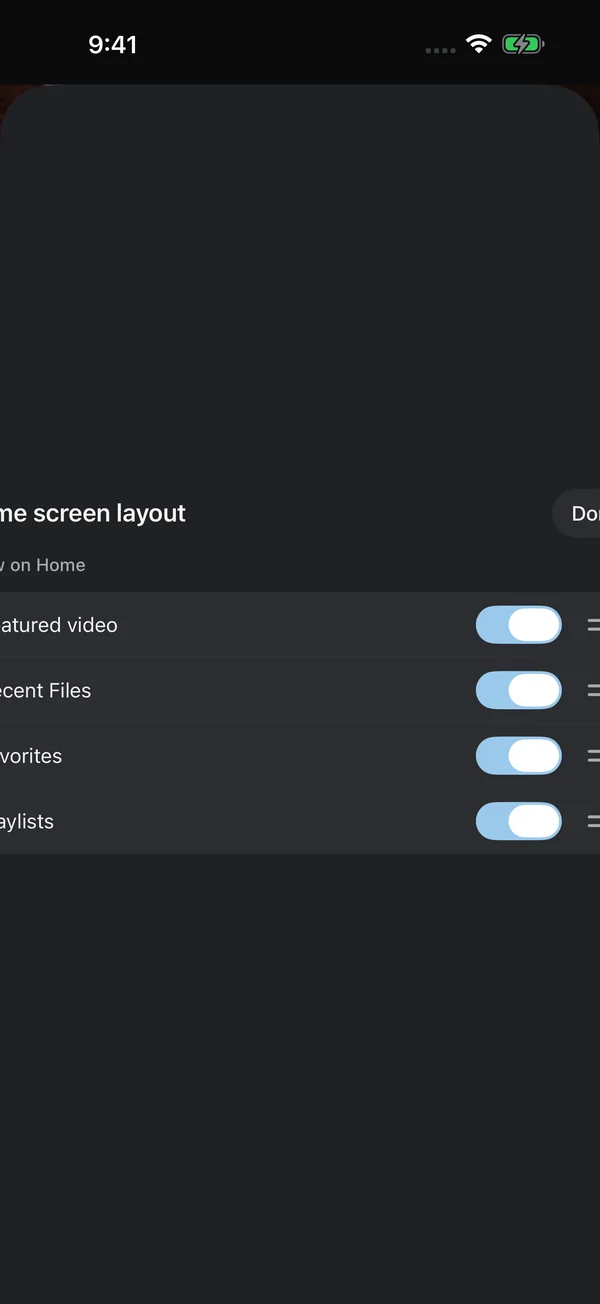
- Choose home screen sections and their order
STORAGE CONNECTIONS
Connect WebDAV
and cloud storage
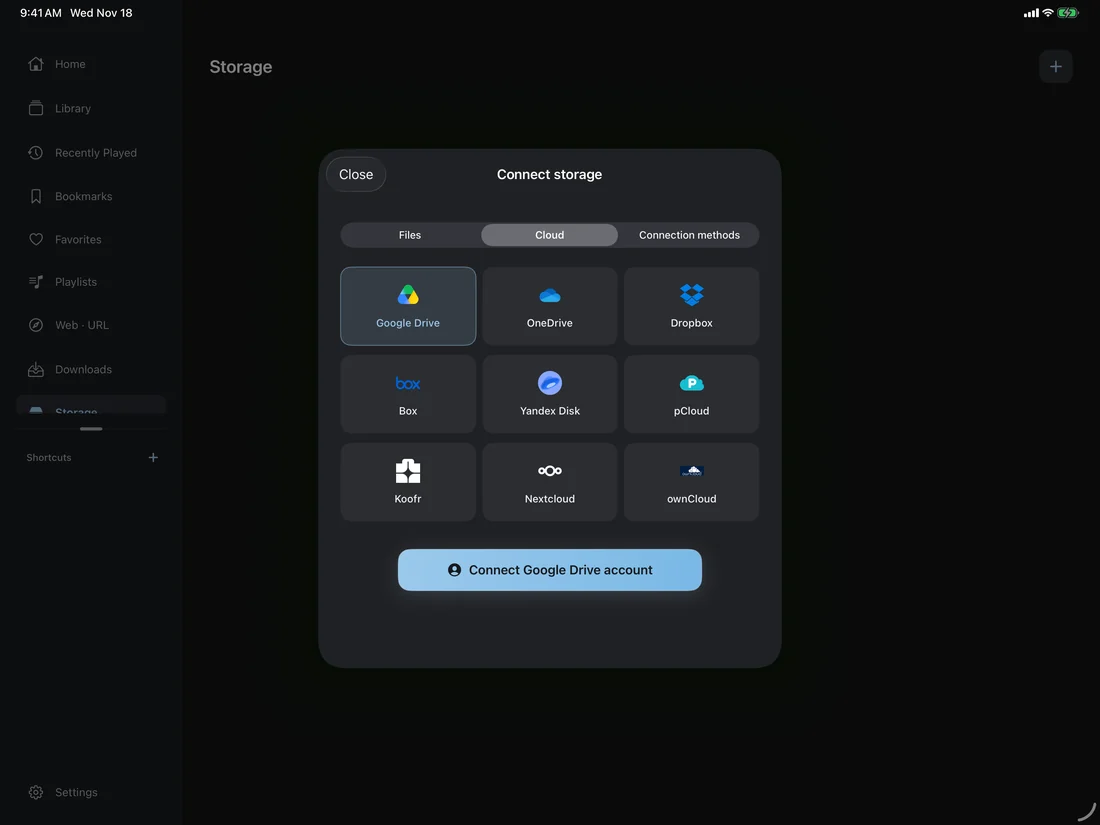
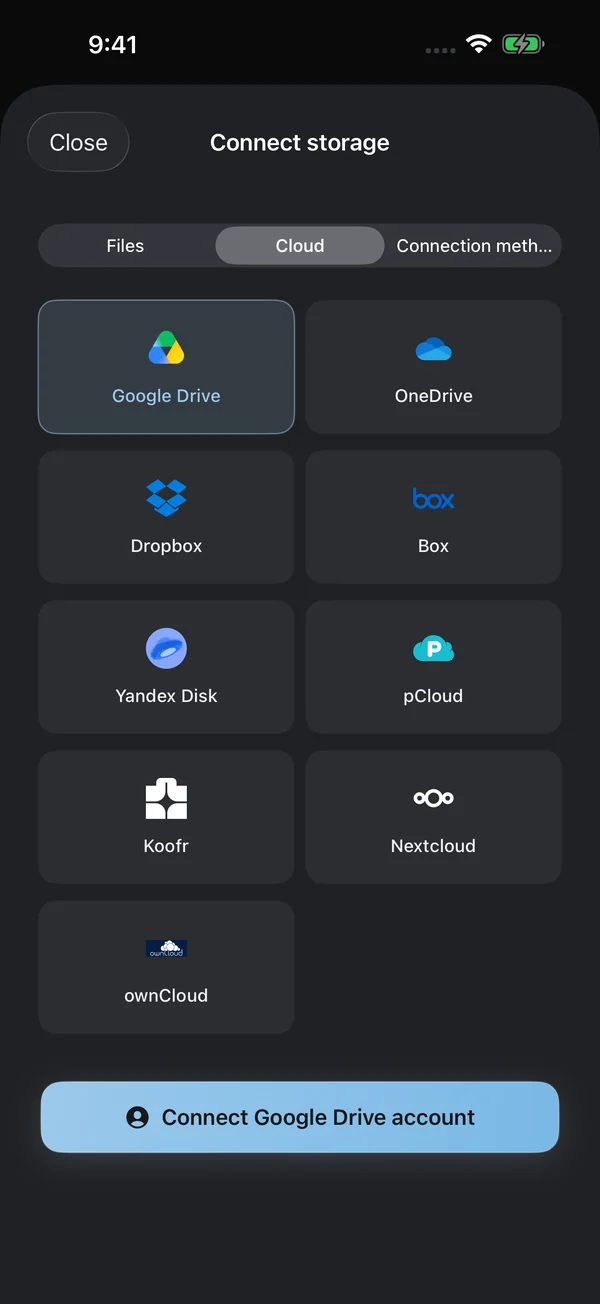
Import files from your connected cloud accounts. Browse folders on network storage such as WebDAV and play supported media.
A service account and access permission are required. Use files you have permission to play and download.
SUBTITLES
Generate and translate
on supported devices
Create subtitles from speech and translate saved subtitles into supported languages. These features run on your device.
Requires an Apple Intelligence-capable device and iOS or iPadOS 26.4 or later. Availability depends on the language and model readiness.
Try subtitle generation 3 times and translation 3 times for free. A subscription removes ads and these usage limits. Compare monthly, six-month and yearly plans, prices and trial eligibility in the app.
APP SCREENS
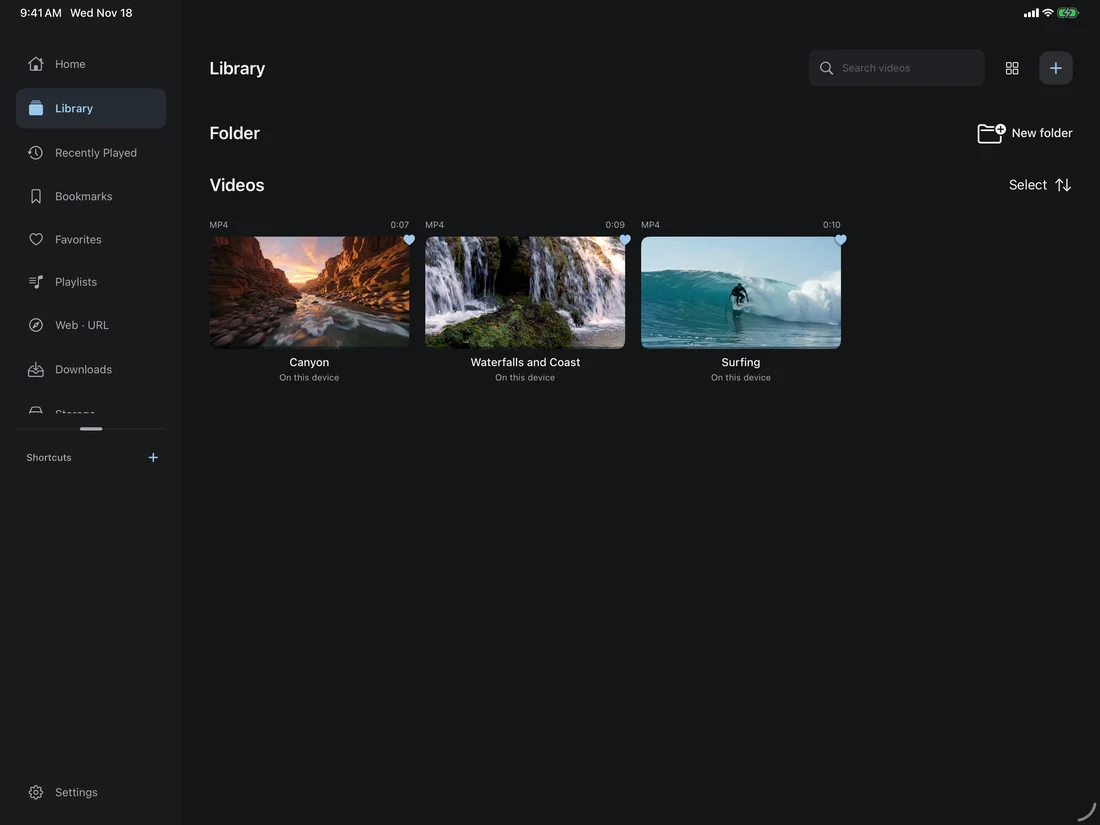
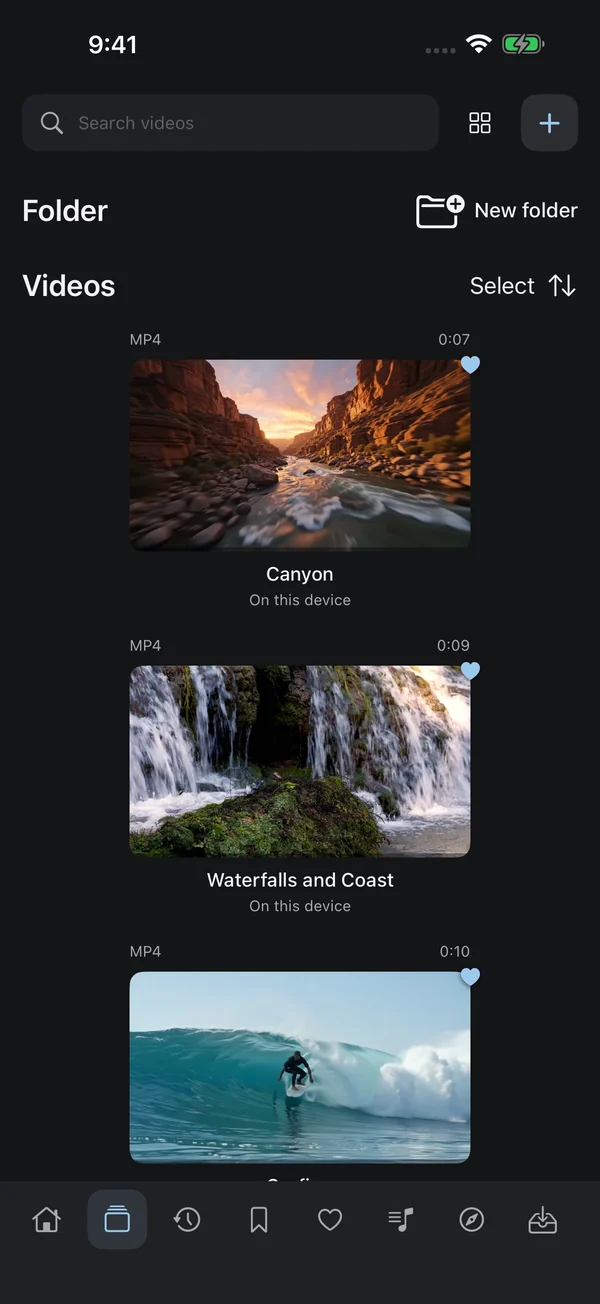
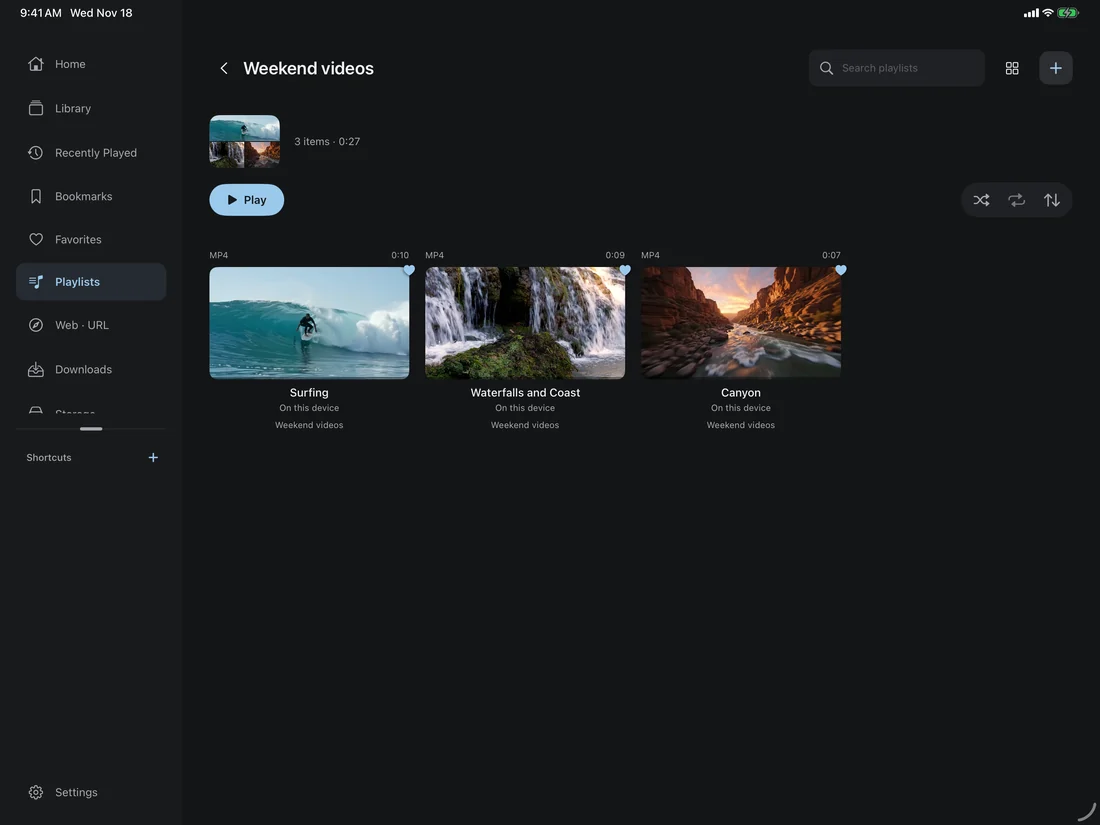
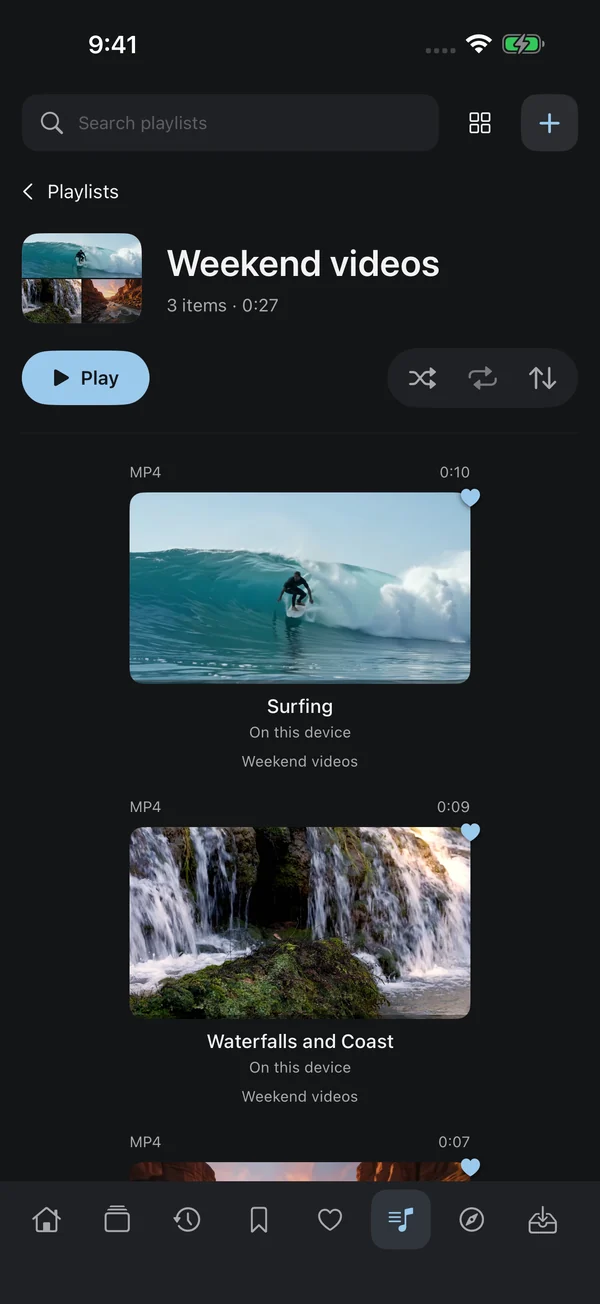
See it on iPhone and iPad
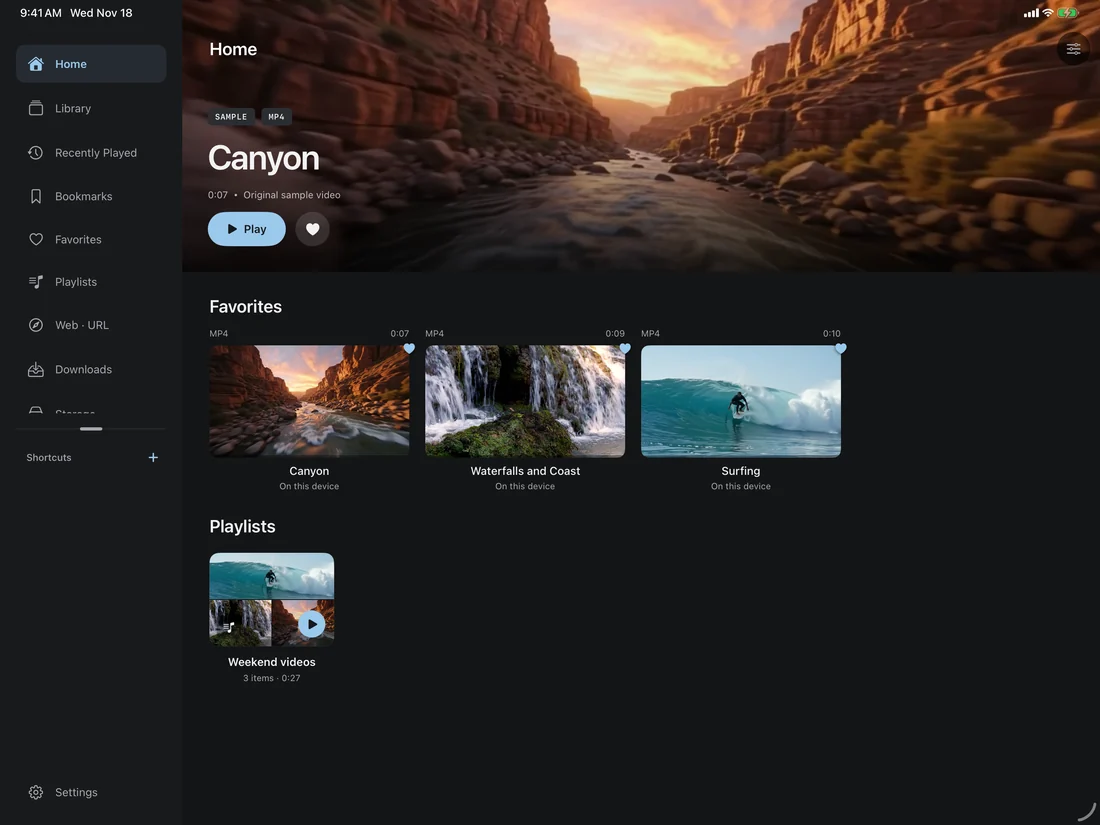
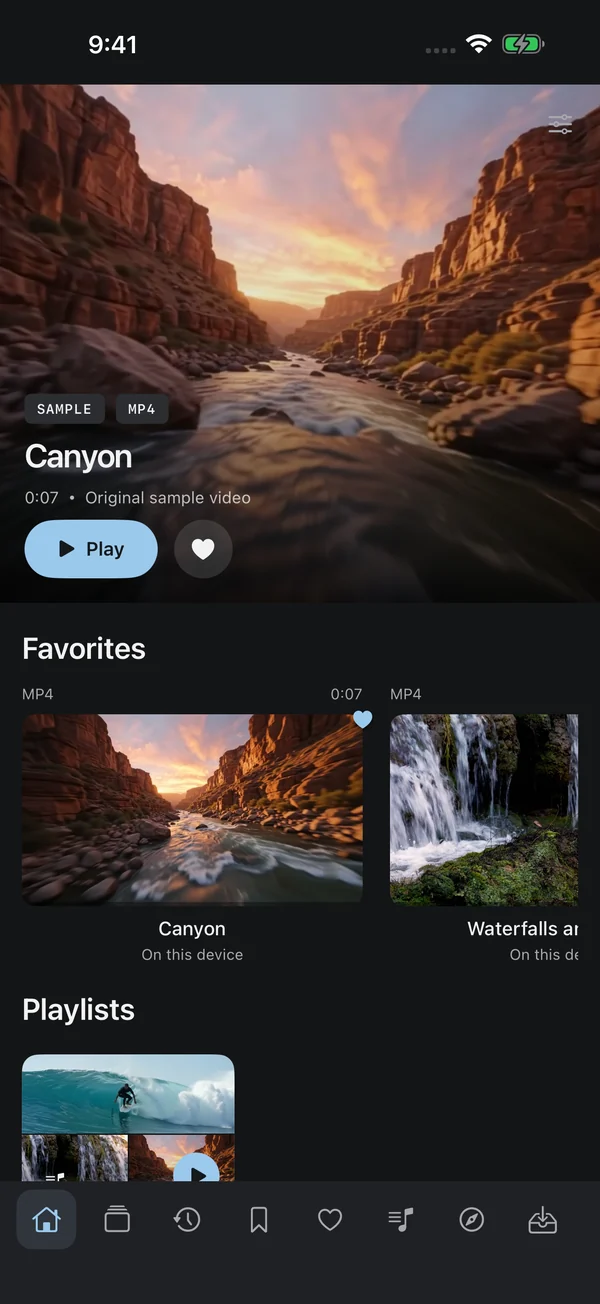
Scroll across seven screens. Select an image to enlarge it. Screens shown in English.
Download Folin Player
iOS or iPadOS 18.0+ · Some features require supported devices